This code is over 6 months old.
The code may have expired and might no longer function.
View original size
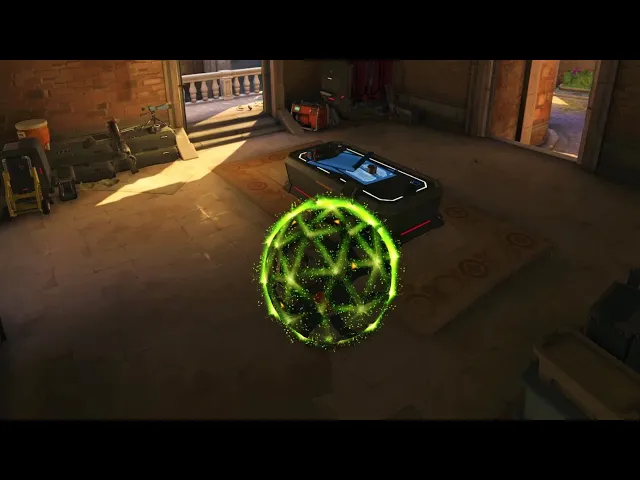
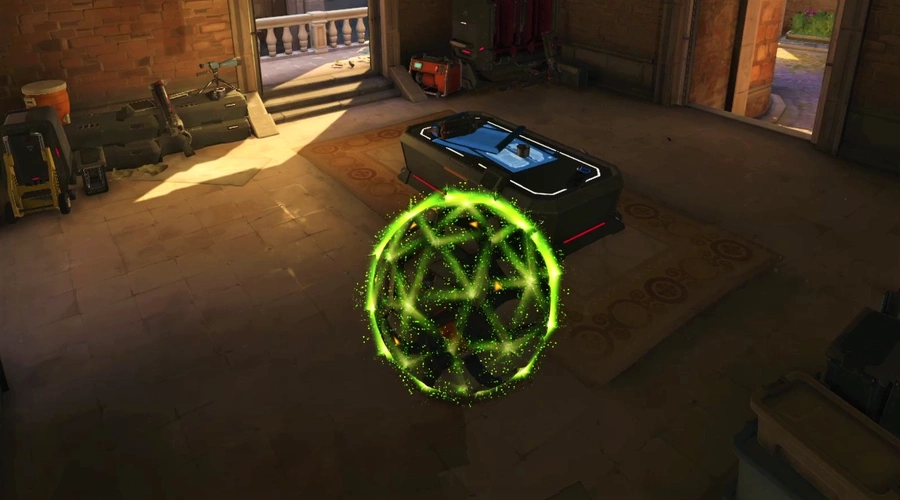
Created using an ico sphere exported out of blender into OSTW. Model rotates around the X and Z axis using a rotation matrix at an angle based on player movement.
The effects are created using Local player, meaning every player can see the effect at their own position but wont see it on anyone else.
Check out the workshop settings to change things like beam type and player scale!
This is awesome stuff man. So you're saying you used Blender to help you create all the points? I'm asking because I'm looking for a way to draw or render a helicopter for my "call of duty" variant. Im trying to figure out how to draw all the points needed to make the helicopter. If youre saying you used blender ill look into that because putting every point will take a long time.
I did indeed use Blender! As a matter of fact, thats just the default Ico sphere exported out of blender lol. you can extract objects out of blender in .obj format, and then use OSTW to import it into the game.
Deltin has a guide on the OSTW wiki (Not sure if its up to date, but i think it should still work): https://github.com/ItsDeltin/Overwatch-Script-To-Workshop/wiki/Importing-Models-and-Custom-Text
Wow! you're a life saver. I just looked at the link and it was EXACTLY what I was looking for. I knew there was a way! I'm surprised no one has made a youtube tutorial about this, this is gold. After I successfully make some models, ill probably put one up.







3 Comments
This is awesome stuff man. So you're saying you used Blender to help you create all the points? I'm asking because I'm looking for a way to draw or render a helicopter for my "call of duty" variant. Im trying to figure out how to draw all the points needed to make the helicopter. If youre saying you used blender ill look into that because putting every point will take a long time.
I did indeed use Blender! As a matter of fact, thats just the default Ico sphere exported out of blender lol. you can extract objects out of blender in .obj format, and then use OSTW to import it into the game.
Deltin has a guide on the OSTW wiki (Not sure if its up to date, but i think it should still work):
https://github.com/ItsDeltin/Overwatch-Script-To-Workshop/wiki/Importing-Models-and-Custom-Text
Wow! you're a life saver. I just looked at the link and it was EXACTLY what I was looking for. I knew there was a way! I'm surprised no one has made a youtube tutorial about this, this is gold. After I successfully make some models, ill probably put one up.