
OW Benchmarking Tool

View original size
View original size
View original size
View original size
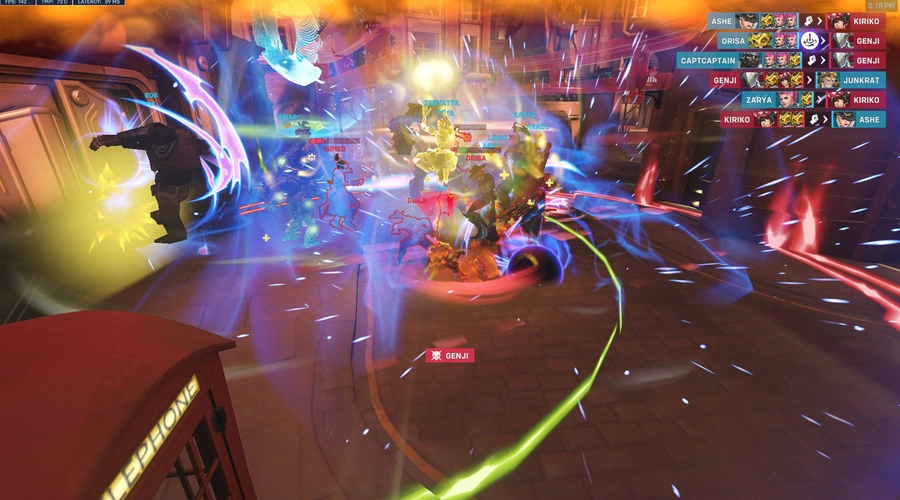
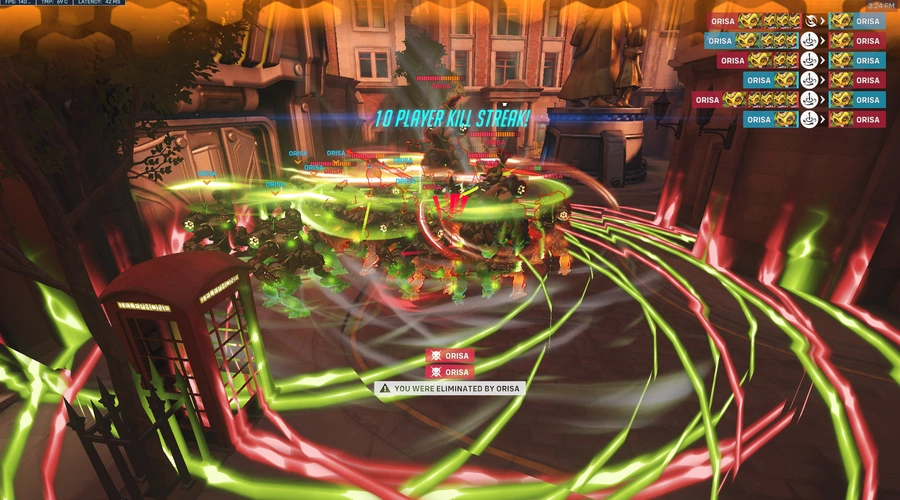
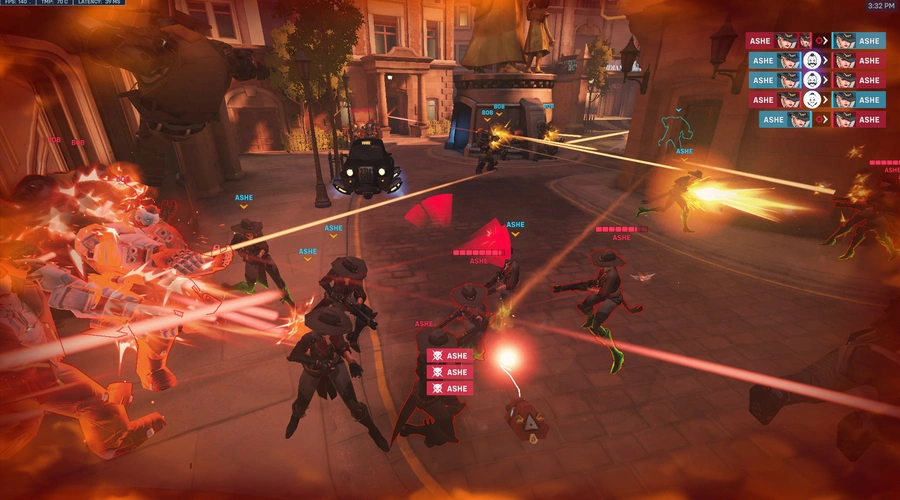
A tool used to test your computer's performance on Overwatch 2 by simulating a real match.
Supports all maps, Kings Row will be the default map for consistent benchmarks.
Make sure you have "Display Performance Stats" on in Options!
Game Load Settings |
|---|
| LOW: Simulates a teamfight with no ultimates. |
| MEDIUM: Simulates a teamfight with some ultimates appearing. |
| HIGH: Simulates a teamfight with ultimates appearing every second. |
| EXTREME: Simulates a teamfight with ultimates appearing and additional bots. (May cause server instability and/or crashing) |
Which Game Load setting is recommended?
▼
LOW or MEDIUM will simulate load that is close to load during normal gameplay, these are the best settings for normal users. Pick HIGH or EXTREME if you want to test your computer's limits.
How do I adjust what heroes spawn in? How do I change maps?
▼
Through Custom Game Settings. Changing the Hero Roster will change what heroes will spawn. Changing the maps available will change what map will be used.

To access Workshop Settings, head to Lobby > Settings > Workshop Settings
| Setting | Setting Description |
|---|---|
| Game Load | LOW: Simulates a teamfight with no ultimates. |
| MEDIUM: Simulates a teamfight with some ultimates appearing. | |
| HIGH: Simulates a teamfight with ultimates appearing every second. | |
| EXTREME: Simulates a teamfight with ultimates appearing and additional bots. | |
| Enable Forced Hero | Determines if bots will be forced onto a specific hero. |
| Enable Random Heroes | Determines if bots will switch heroes upon death. |
| Force Hero | Determines what hero the bots will be forced on to. |
Players |
1 - 1
Maps:
King's Row
Created at:
Last updated:
Current version:
1.6.1
Share URL:
https://workshop.codes/ow-benchmark
Controls
Jump
Start Benchmark
Crouch
Stop Benchmark
Primary Fire
+
Secondary Fire
Select Game Load
Interact
Toggle Legacy Camera (King's Row Only)

Start Benchmark

Stop Benchmark
 +
+

Select Game Load

Toggle Legacy Camera (King's Row Only)

Start Benchmark

Stop Benchmark
 +
+

Select Game Load

Toggle Legacy Camera (King's Row Only)

Start Benchmark

Stop Benchmark
 +
+

Select Game Load
Toggle Legacy Camera (King's Row Only)

Start Benchmark

Stop Benchmark
 +
+

Select Game Load
Toggle Legacy Camera (King's Row Only)







5 Comments
As the original creator hasn't, a user has updated this code for use in Season 1 2026. "ETCGZ" 👍🏽
Please allow for benchmark restart without leaving the game so that bots are the same.
Or we just wait for workshop settings to return lmao
Awesome tool, works great in OW2. Essential for perfecting your graphics settings if you have an FPS target. Thanks so much for making this.
we need a cancel button xD
Added. Thanks for letting me know!