Unique Action Aim Trainer

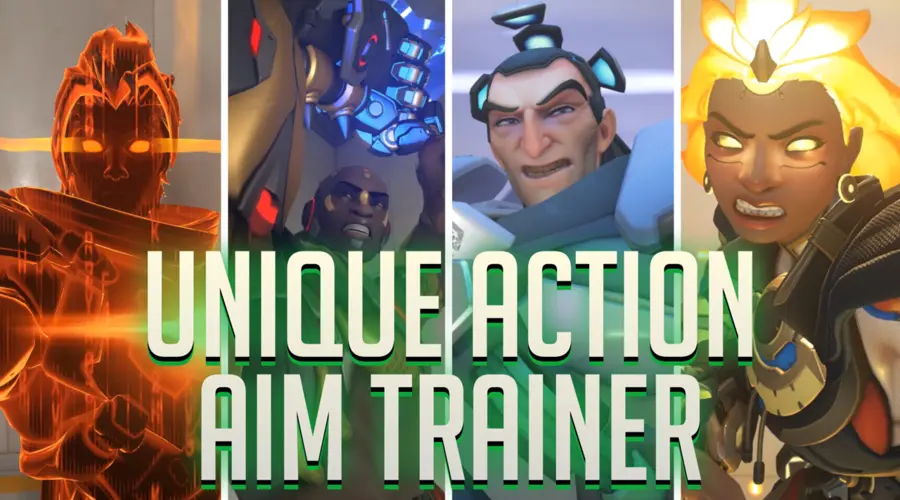
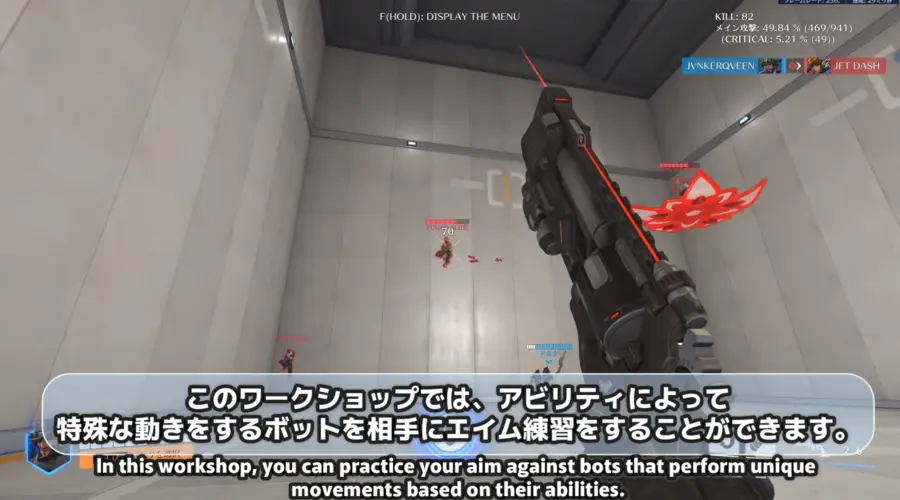
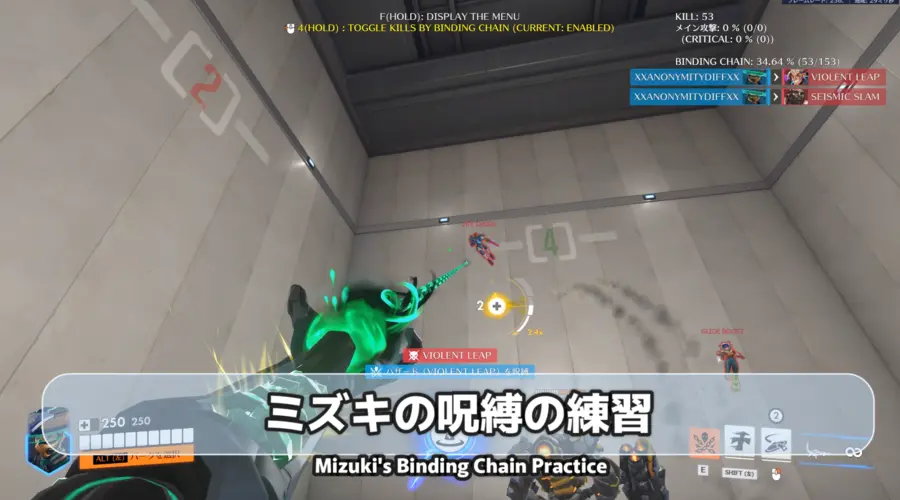
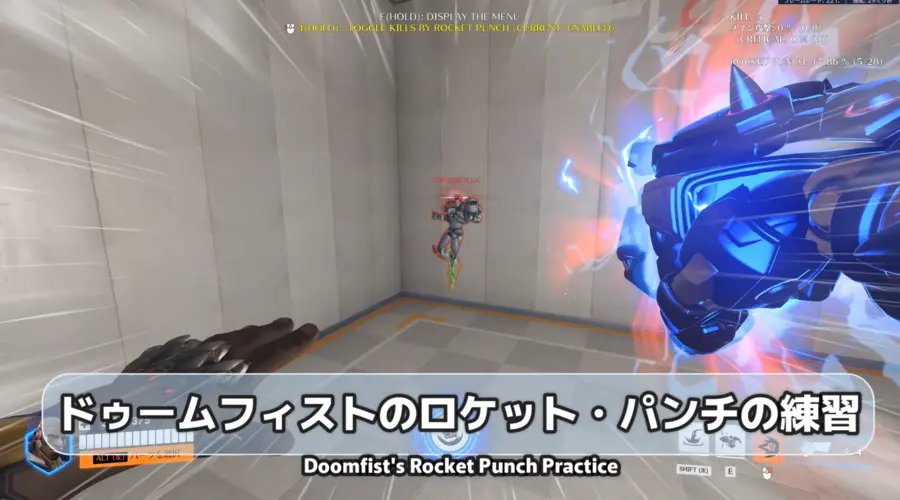
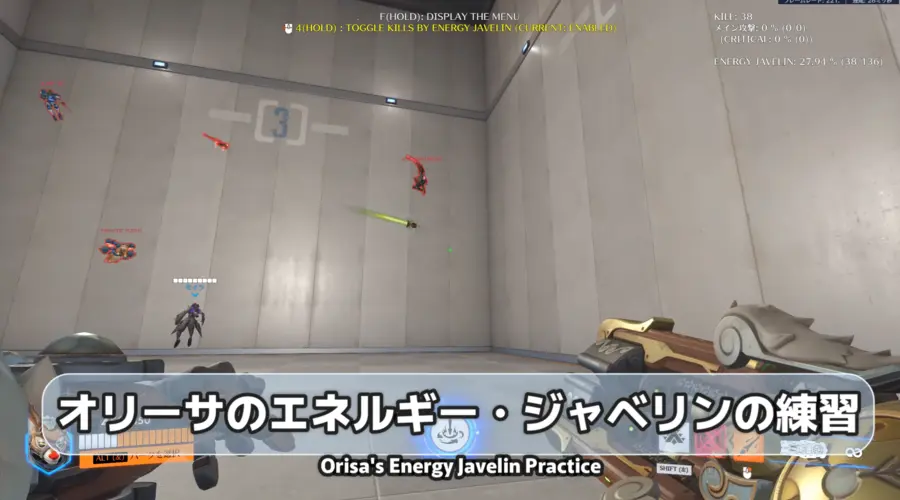
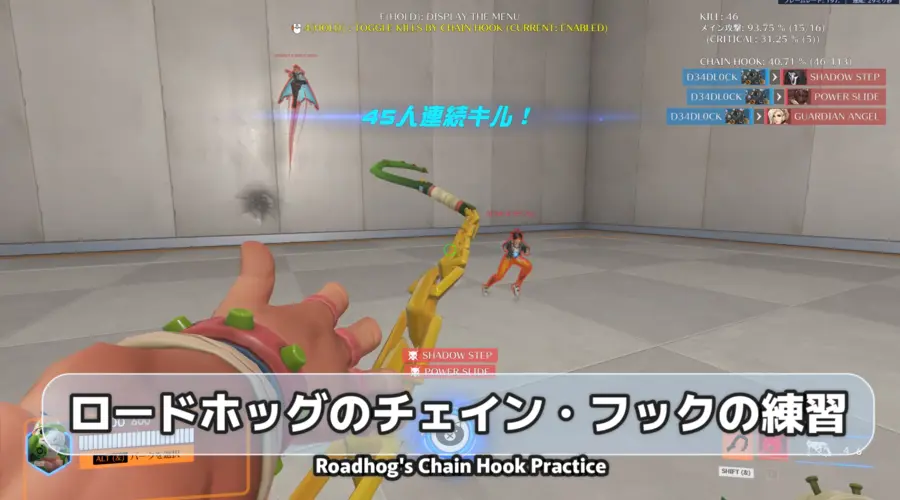
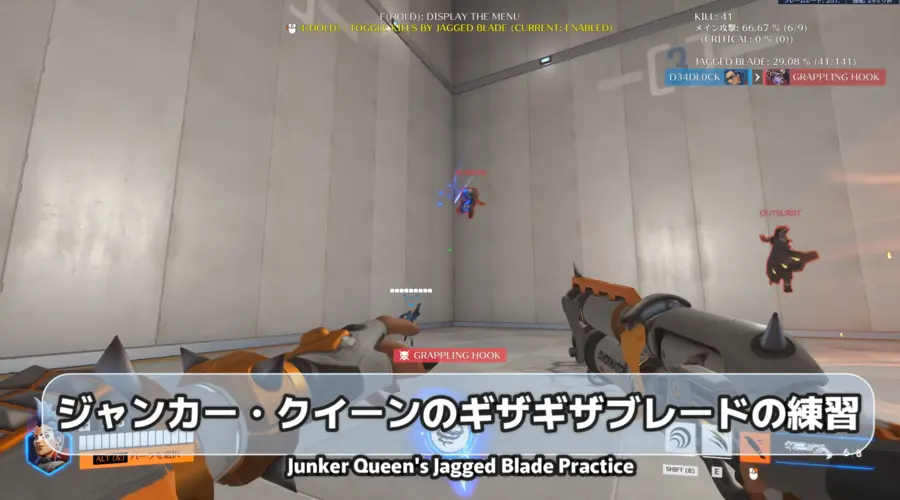
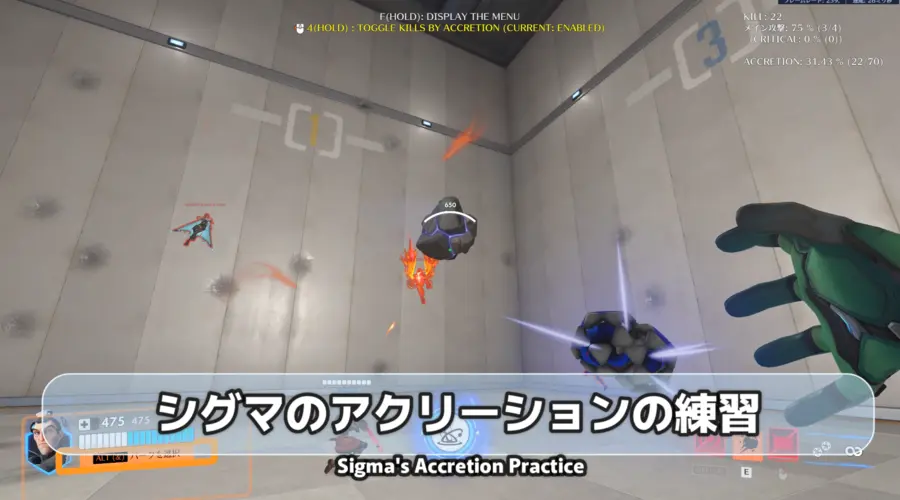
You can practice your aim against bots that perform unique movements based on their abilities.
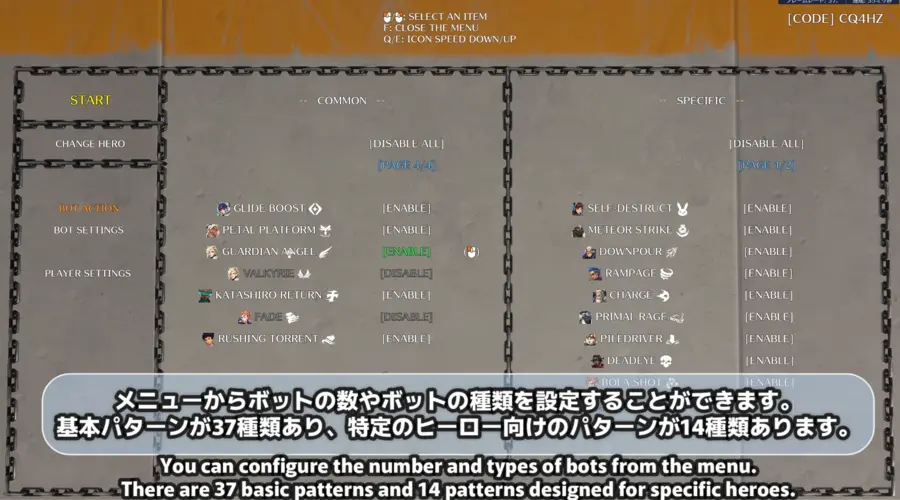
You can adjust the number of bots from 1 to 5 in the menu.
You can also adjust the types of abilities the bots use.
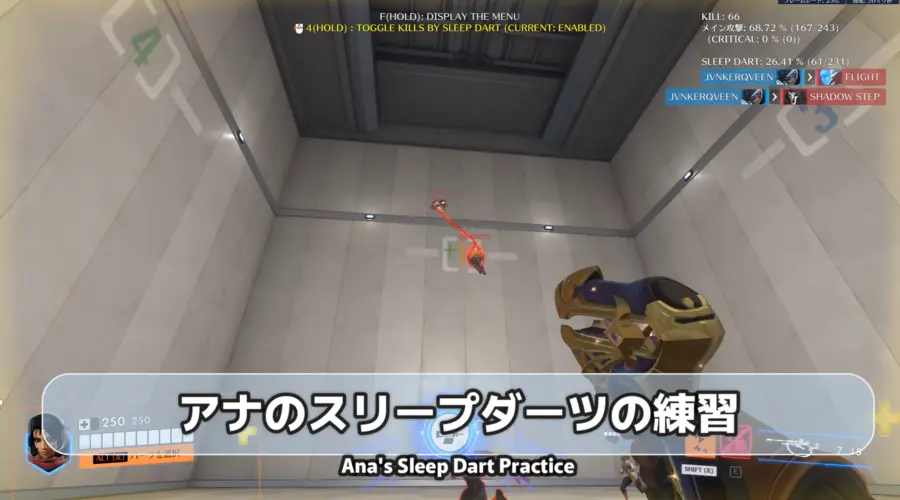
Common Actions are effective for training all heroes, while Specific Actions are effective for training specific heroes (such as training Ana's Sleep Dart).
[Menu Controls]
- Use the mouse (perspective control) to move the icon (up arrow).
- Hover the icon over each item and change the settings by performing the action corresponding to the symbol displayed to the right of the item.
- Mouse icon -> Click the left mouse button (Primary attack button)
- A/D -> Press the movement keys (Left/Right)
- To interact with the menu item on the far left, click the left mouse button (primary attack button).
[How to Play]
- Select the abilities the bot will use from the "BOT ACTION" menu. (Abilities marked "ENABLE" will be used. Abilities marked "DISABLE" will not be used.)
- Change the following settings as needed from the "BOT SETTINGS" menu.
- "NUMBER OF UNIQUE BOTS" -> Sets the number of enemy bots that will appear simultaneously to use the ability. (Default: 3)
- "NUMBER OF ALLY BOTS" -> Sets the number of ally bots that appear simultaneously. (Default: 2)
- "NUMBER OF REPEATS (ABILITY)" -> Specifies the number of times enemy bots will repeat the ability. (Default: 10 times)
- "NUMBER OF REPEATS (ULT)" -> Specifies the number of times enemy bots will repeat their ultimate ability. (Default: 1 time)
- "ENEMY MAX HP" -> Sets the percentage of enemy bots' maximum HP within the range of 1% to 1000%. (Default: 100%)
- "MINIMUM NUMBER OF ULT ACTIONS" -> Setting this to 1 or higher ensures that bots capable of using their ultimates are always spawned.
- Click "START" in the upper-left corner of the menu.
[If you want to change settings after closing the menu]
- Hold down the interact key (default: F key).
[About Player Settings]
Adjust the "PLAYER SETTINGS" menu as needed.
- "ULTIMATE CHARGE" -> Sets the starting charge percentage for the Ultimate. (Default: 100%)
- "IMMORTALITY" -> Sets whether the player is immortality. (Default: Enabled)
- "DISPLAY DAMAGE/HEAL" -> Sets whether to display the damage dealt or healing provided by the player. (Default: Enabled)
- "DISPLAY ACCURACY" -> Sets whether to display the hit rate of main attacks or specific abilities in the top-right corner of the gameplay screen. (Default: Enabled)
[Common Action]
| Hero | Abilities to Use |
|---|---|
 |
Seismic Slam |
| Rocket Punch | |
| Slam to Punch (Seismic Slam to Rocket Punch) | |
| Punch to Slam (Rocket Punch to Seismic Slam) | |
 |
Violent Leap |
 |
Gravitic Flux |
 |
Jump Pack |
 |
Grappling Claw |
 |
Inferno Rush |
| Vermillion Ascent | |
 |
Coach Gun |
 |
Flight |
 |
Siphon Blaster |
| Override Protocol | |
 |
Updraft & Quick Dash |
 |
Swift Strike |
 |
Concussion Mine |
 |
Jump Jet |
| Jet Dash | |
 |
Shadow Step |
 |
Anchor Drone |
 |
Power Slide |
 |
Sprint |
 |
Translocator |
 |
Blink & Recall |
 |
Soaring Slice |
 |
Drill Dash |
| Burrow | |
 |
Grappling Hook |
 |
Exo Boots |
 |
Outburst |
| Captive Sun | |
 |
Frenetic Flight |
| Lifeline (Bastion) | |
 |
Glide Boost |
 |
Petal Platform |
 |
Guardian Angel |
| Valkyrie | |
 |
Katashiro Return |
 |
Fade |
 |
Rushing Torrent |
[Specific Action]
| Hero | Abilities to Use |
|---|---|
 |
Self-Destruct |
|
Meteor Strike |
|
Downpour |
 |
Rampage |
 |
Overrun |
 |
Charge |
|
Primal Rage |
|
Piledriver |
 |
Deadeye |
|
Bola Shot |
|
Barrage |
|
Death Blossom |
|
Trailblazer |
|
Dragonblade |
|
Sundering Blade |
|
Catnapper |
Players |
1 - 5
Categories:
Practice Mode
Maps:
Workshop Chamber
Created at:
Last updated:
Current version:
1.1.1
![Mercy Parkour (Halloween Editon)[NORMAL/MEDIUM]](https://workshop.codes/vite/assets/blizzard-world-ChiKdb.webp)