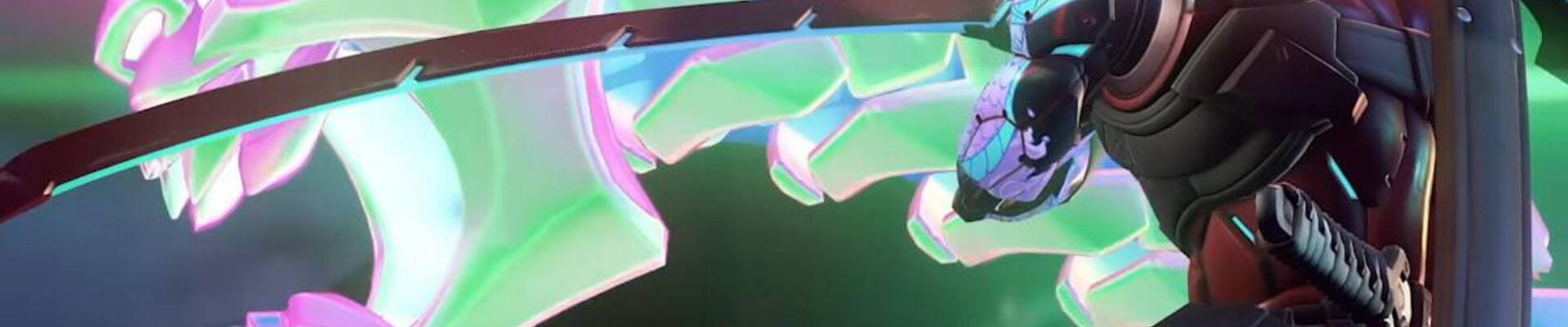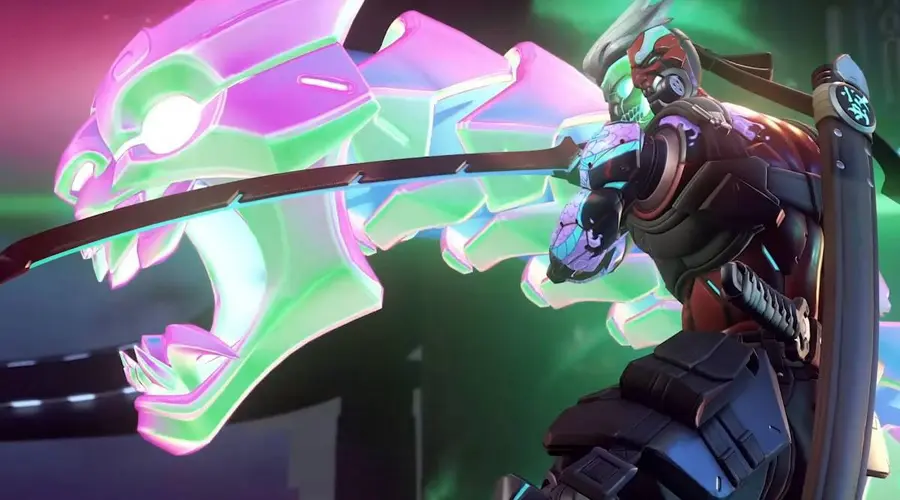
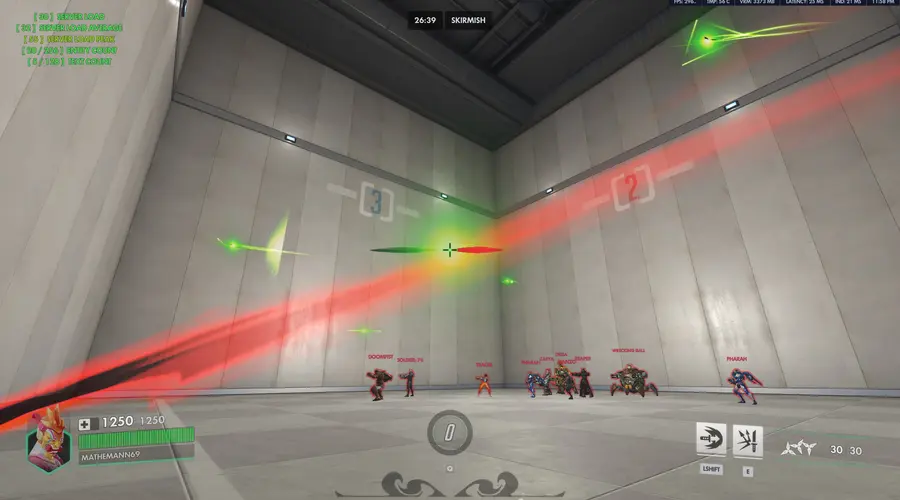
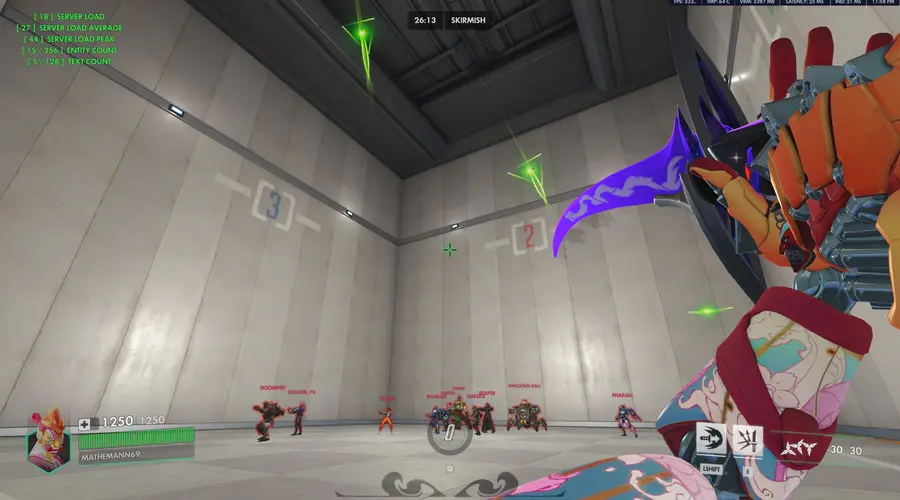
Prismatic Demon Strike
Origin & Evolution
What originally started out as an edit of a simple, older custom projectile script has completely outgrown its humble origins. It has been entirely rewritten from the ground up, transforming into a standalone, highly advanced physics and geometry engine that pushes the limits of the Overwatch Workshop.
Core Mechanics & Advanced Mathematics
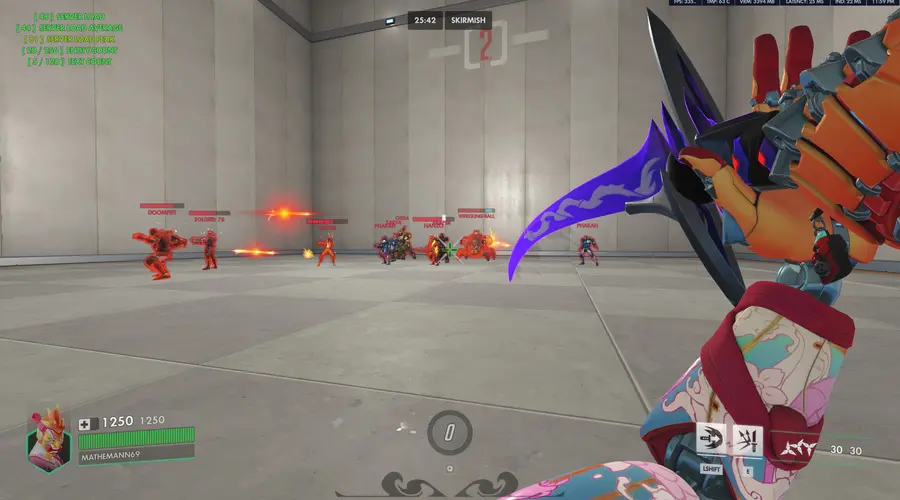
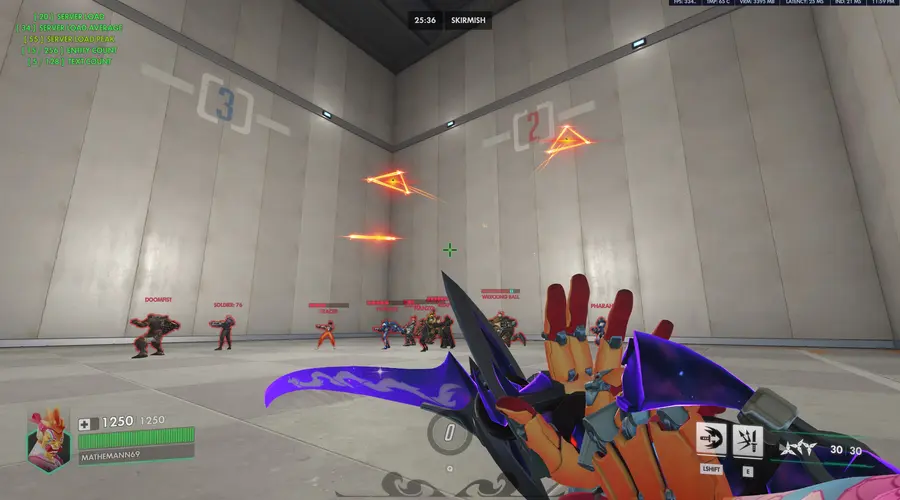
This mode replaces Genji's Ultimate primary fire with a highly complex, 5-slot custom projectile system.
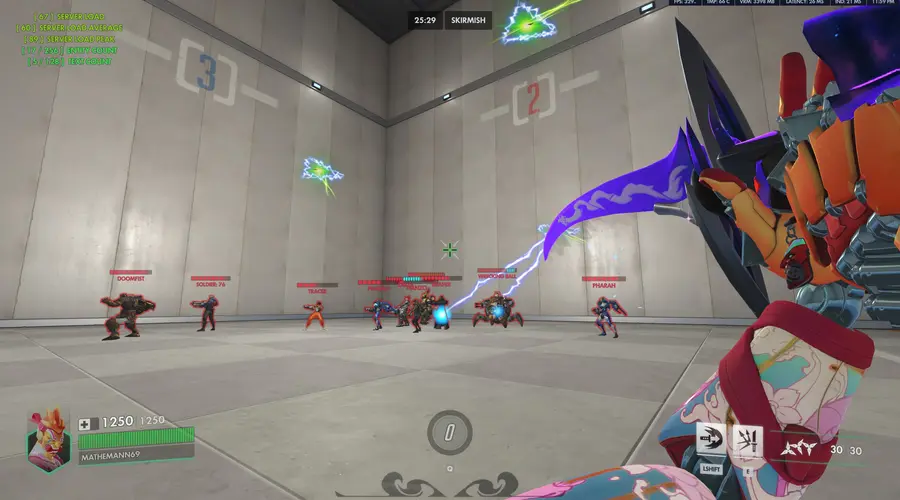
- Custom 3D Geometry: The projectiles aren't just simple standard effects. They are dynamically rendered using heavy Sine and Cosine math to create rotating, multi-sided polygonal beam structures (3 to 5 sides) in real-time 3D space.
- Vector Reflection: Wall bounces are calculated using advanced vector mathematics. By calculating the Ray Cast Hit Normal and manipulating it via Dot Product, the projectiles bounce off geometry accurately like real light or sound waves.
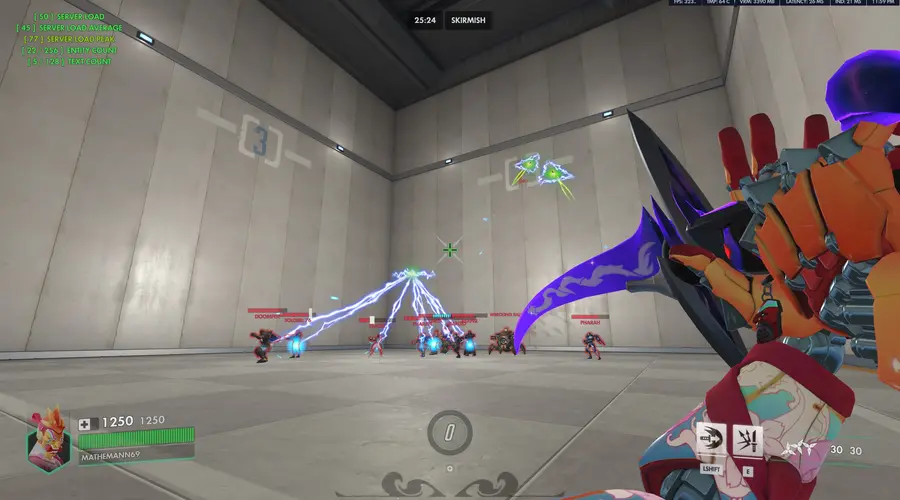
- Homing & Piercing: Advanced line-of-sight and array sorting allows the projectile to track targets, pierce through them, and dynamically redirect its trajectory toward the next valid enemy in the area.
- Asynchronous Garbage Collection: To bypass the Overwatch engine's strict execution limits and effect caps (max 256 effects), this script uses a custom background "Trash Collector" loop. It safely manages dozens of simultaneous lightning beams and explosions within a single frame without causing server lags or stuttering projectiles.
The Modifiers (Press 'Interact' to toggle)
Players can switch between three distinct elemental modifiers on the fly, dramatically altering the projectile's behavior:
- Default: High-impact, raw kinetic damage with a green explosion on impact and wall bounces.
- Inferno: Ignites enemies on impact, applying a customizable Damage-over-Time (DoT) burning effect accompanied by a fiery red-orange blast.
- Tesla (Area of Denial): Turns the projectile into a flying Tesla tower. As it travels, it constantly scans its radius and autonomously fires tracking Tesla beams at nearby enemies, zapping them repeatedly based on a custom internal cooldown.
Extensive Workshop Settings
You have complete control over the physics and balancing. Fully customize the experience directly in the Workshop Settings menu:
- Projectile Settings: Adjust Base Damage, Flight Speed, Hitbox Size, Visual Radius, Rotation Speed, Max Flight Distance, the number of Polygon Sides (3 to 5 beams), and Knockback.
- Pathing & Bounces: Choose between Base, Homing, Ricochet, or Homing + Ricochet. Tweak Max Chain Hits, Max Wall Bounces, and the Homing Scan Radius.
- Modifier Tuning: Individually balance the elemental effects. Adjust the Inferno Burn Duration & Damage Multiplier, as well as the Tesla Zap Radius, Zap Cooldown per enemy, and Zap Damage Multiplier.
Sources
This post utilizes other codes either in part or in full. This could be because they remixed them, used parts of them, were inspired by them, or other reasons.
 +
+

 +
+

 +
+

 +
+


![[REWORK] Echo Support](https://cdn.workshop.codes/hclxwg6kt5p6gh37t3pjj7kdjesw)