Piano Extensions

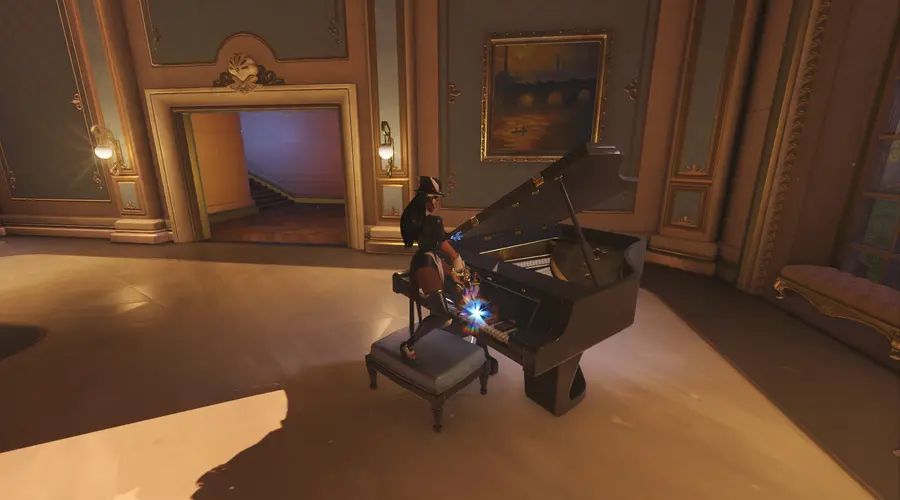
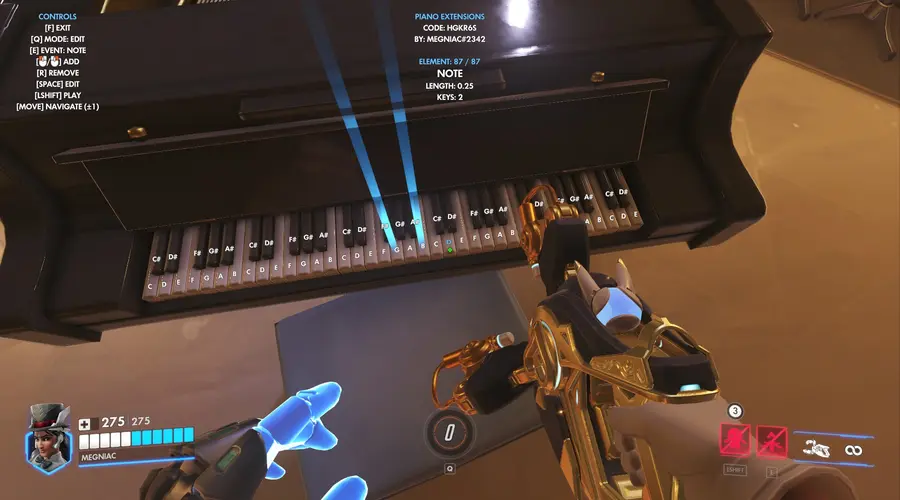
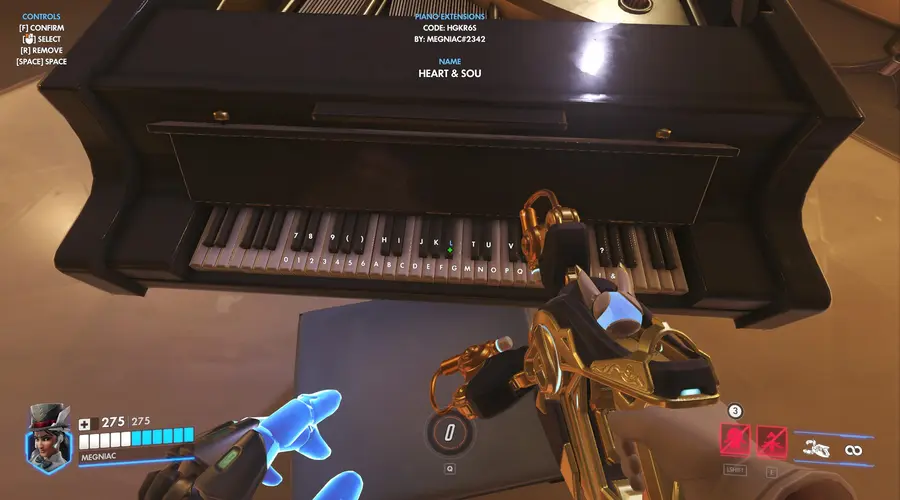
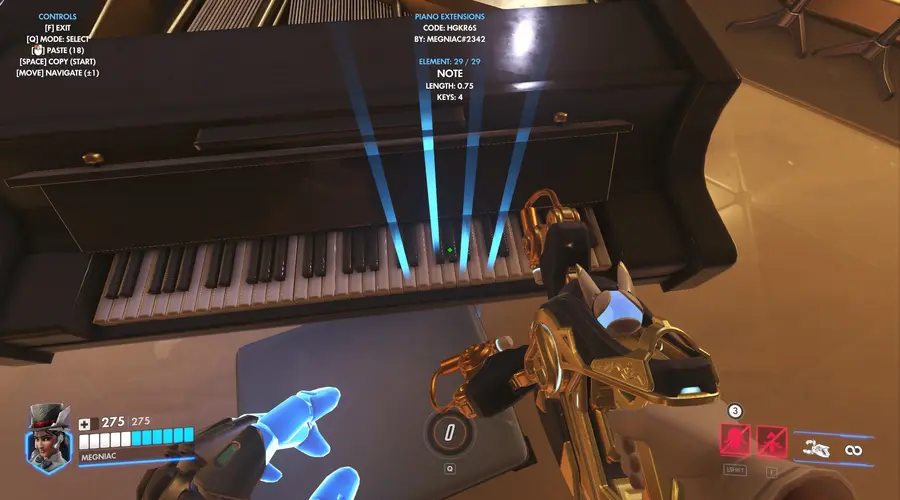
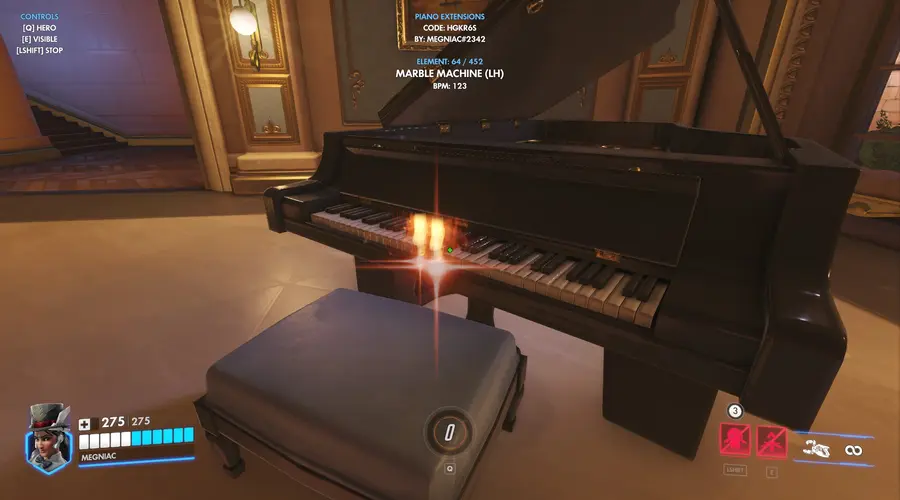
Piano playing mode with sequence editing & playback!
FEATURES
- Hero switching
- Become invisible for easier duets (also disables Symmetra's weapon sounds)
- Play chords using Symmetra's secondary fire
- Record sequences with a variety of event types
- Save your sequences for the session
- Have sequences be played back by bots
- Export/import functionality
- Supports all maps that feature a playable piano
SHOWCASE
EVENT TYPES
NOTE
- Length: Variable duration (0.25 = one quarter note).
- Keys: Holds up to 8 simultaneous keys.
NAME
- String: Sets the sequence's display name.
BPM
- BPM: Alters the beats per minute (speed) of the following notes.
TRANSPOSE
- Semitones: Shifts the following notes up or down by the number of semitones.
MOVE
- Target: Element that is jumped to.
- Count: How many times to jump.
PAUSE
- Pauses the sequence until it is continued (useful for interludes or manual playing of notes).
LOAD
- String: Loads (and plays) a sequence of the same string (as set by the NAME event) in your saves. (CAREFUL! Will override currently held sequence!)
EXPORT/IMPORT
Export
- Save your sequence in the Saves menu and press export.
- In the Workshop Inspector, select a variable target in the bottom right.
- Press the "(X)" button to copy all variables.
- In the Workshop Editor, add a new Workshop rule ("+" button on the top right) and press the orange paste button.
- Select the "Exported" action, copy it and save it on your system.
Import
- In the Workshop Editor, add a new Workshop rule and paste in your sequence.
- Copy & paste a "Call Subroutine(Import)" action from the disabled "IMPORT EXAMPLE" rule below your sequence action.
- Repeat for any number of sequences. (For convenience, include the "Import" subroutine directly in your export for easier importing, or save entire rules with several sequences.)