// Survival Mode //

This code is over 6 months old. The code may have expired and might no longer function.
View original size

View original size
View original size
View original size
View original size
View original size
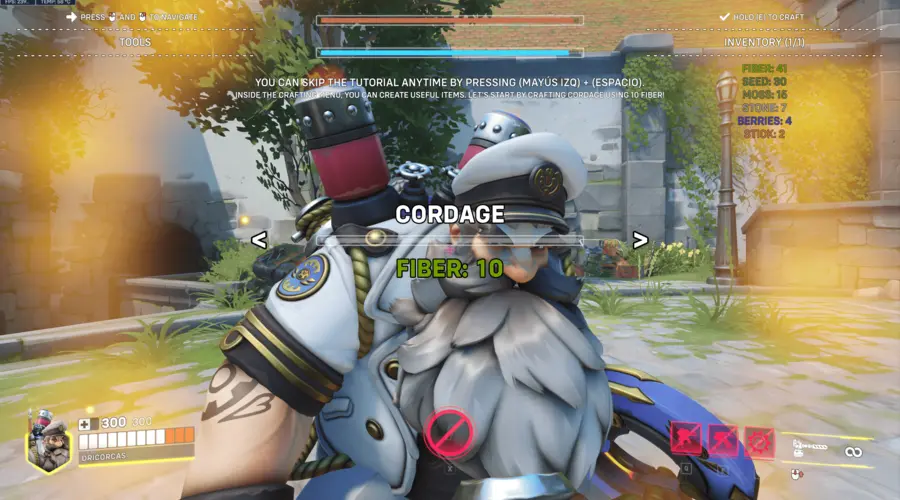
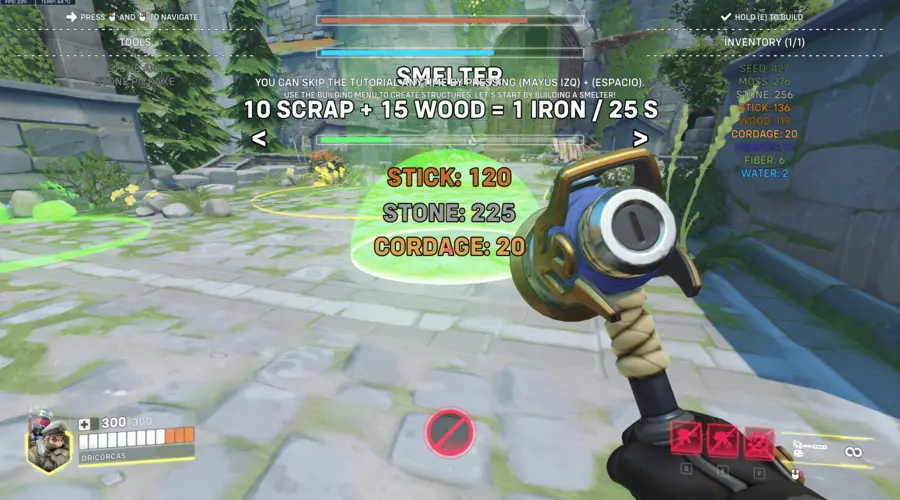
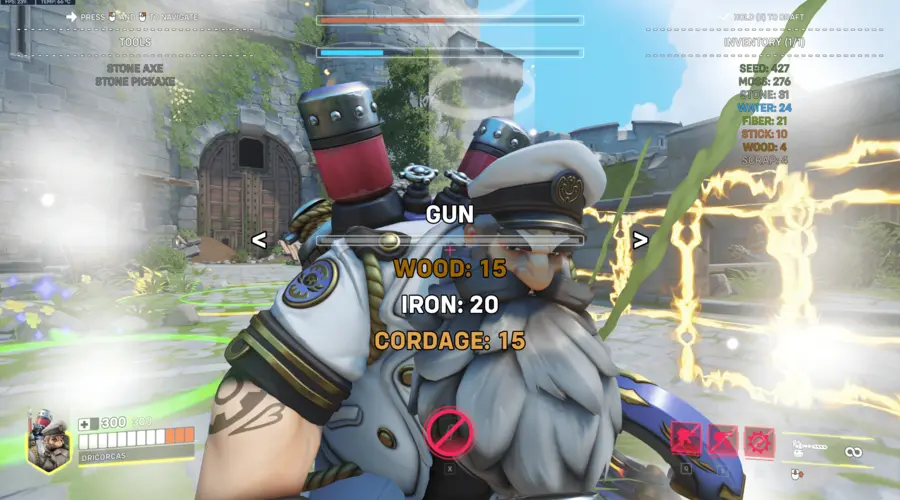
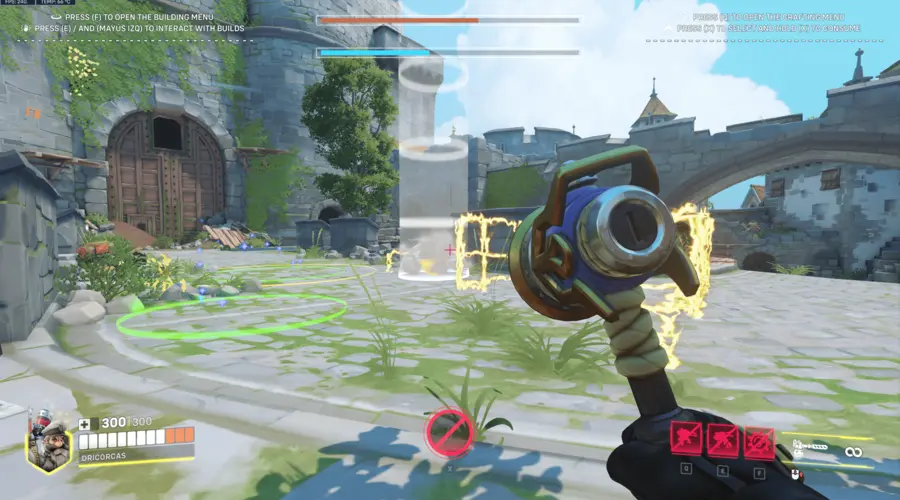
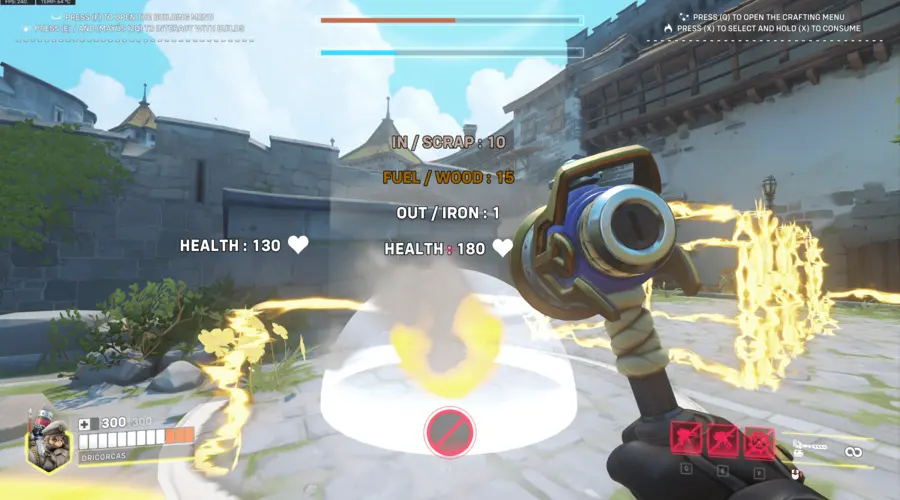
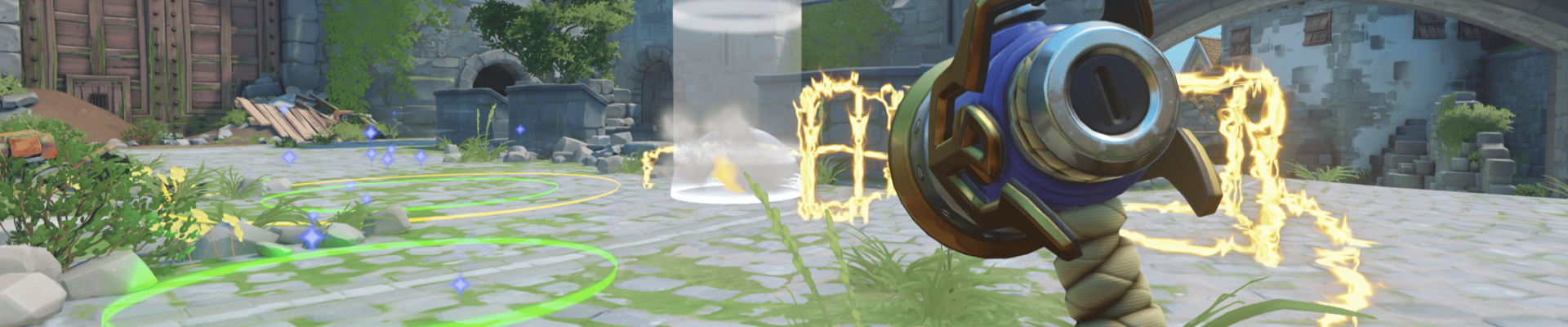
Survival Mode v0.2a by dricorcas
Collect resources from the environment to survive.
Build defenses and structures to protect your base.
Craft tools, weapons, and walls to strengthen your position.
Face enemy players who will try to steal your materials.
Stay alert, fight back, and guard your creations at all costs.
CODE: D65FH
Players |
1 - 6
Heroes:
Torbjörn
Maps:
Eichenwalde
Created at:
Last updated:
Current version:
v0.2a
Share URL:
https://workshop.codes/survival-mode
Controls
Secondary Fire
Collect resources from the ground around.
Ability 2
Open the building menu.
Ability 1
Open the crafting menu.
Ultimate
Switch between available consumables. Hold to consume the selected item.
Interact
Add items to Builds.
Interact
+
Crouch
Add fuel to Builds.
Interact
+
Crouch
+
Inside
Retrieve items stored on Builds.
Crouch
+
Jump
Skip Tutorial.
Melee
Navegate in the Inventory.

Collect resources from the ground around.

Open the building menu.

Open the crafting menu.

Switch between available consumables. Hold to consume the selected item.

Add items to Builds.
+

Add fuel to Builds.
+
+
Inside
Retrieve items stored on Builds.
+

Skip Tutorial.

Navegate in the Inventory.

Collect resources from the ground around.

Open the building menu.

Open the crafting menu.

Switch between available consumables. Hold to consume the selected item.

Add items to Builds.
+

Add fuel to Builds.
+
+
Inside
Retrieve items stored on Builds.
+

Skip Tutorial.

Navegate in the Inventory.

Collect resources from the ground around.

Open the building menu.

Open the crafting menu.

Switch between available consumables. Hold to consume the selected item.
Add items to Builds.
+

Add fuel to Builds.
+
+
Inside
Retrieve items stored on Builds.
+

Skip Tutorial.
Navegate in the Inventory.

Collect resources from the ground around.

Open the building menu.

Open the crafting menu.

Switch between available consumables. Hold to consume the selected item.
Add items to Builds.
+

Add fuel to Builds.
+
+
Inside
Retrieve items stored on Builds.
+

Skip Tutorial.
Navegate in the Inventory.




0 Comments